 Editor
Continue with DEVUP AI
Run Continue's chat and Agent mode on DEVUP AI models. Add one model entry to config.yaml and pick it in the Continue panel.
System Architecture
How Continue Connects to DEVUP AI
Configuration
Add the Model
code --install-extension Continue.continueAdd this to config.yaml:
name: DEVUP AI
version: 1.0.0
schema: v1
models:
  - name: DeepSeek V4 Pro (DEVUP AI)
    provider: openai
    model: deepseek-ai/DeepSeek-V4-Pro
    apiBase: https://api.devupai.com/v1
    apiKey: your-devup-api-key
    roles:
      - chat
      - edit
      - apply
    capabilities:
      - tool_use
In Action
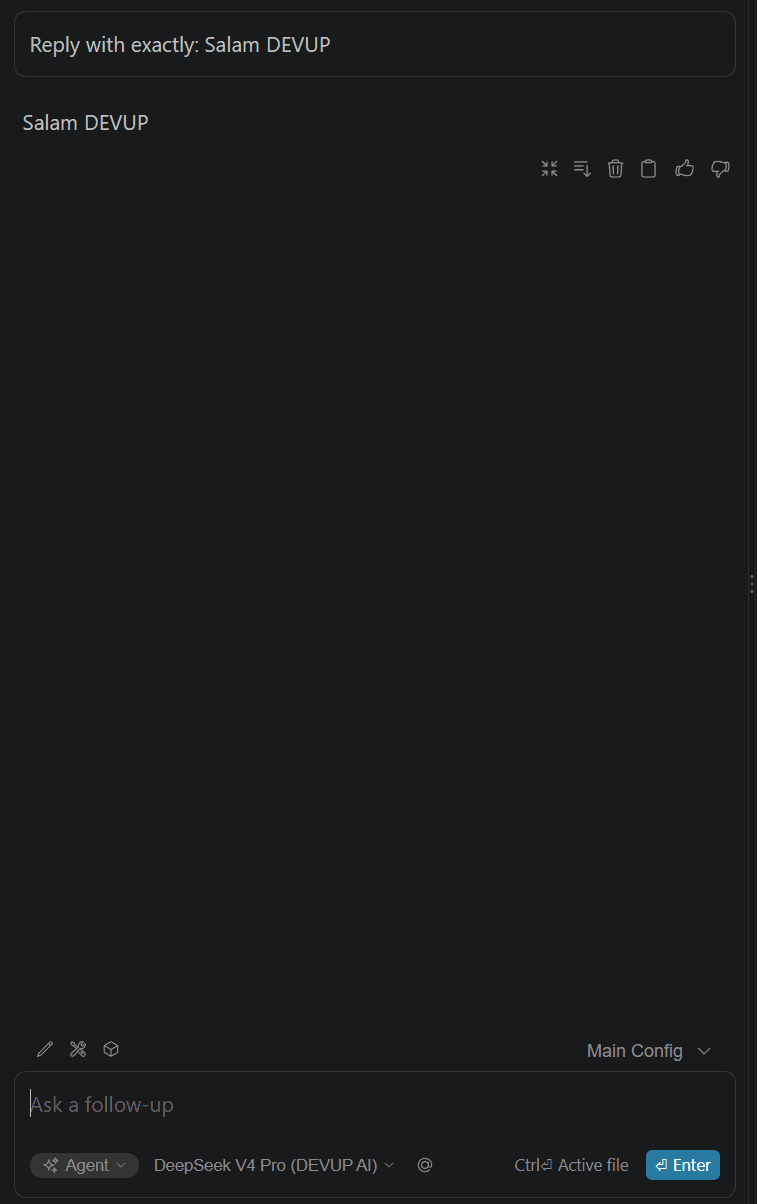
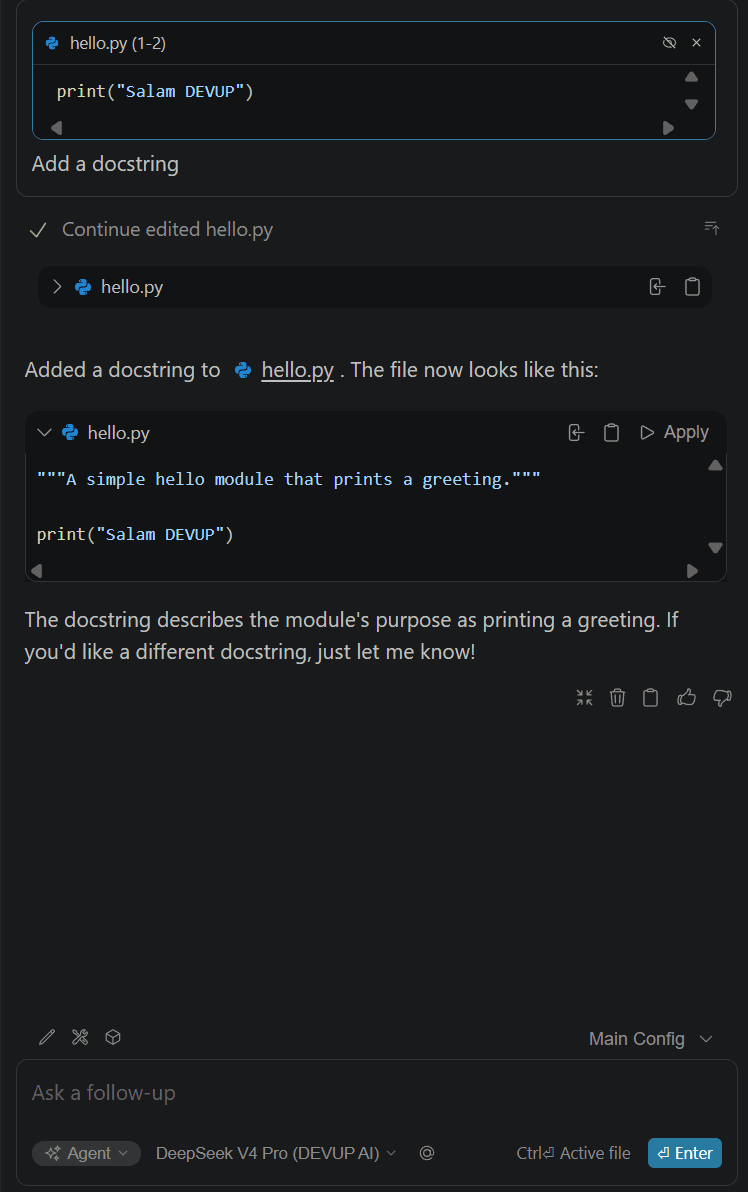
Chat and Agent Mode
Capabilities
Supported Capabilities
Chat
Pick the DEVUP AI model in the Continue panel and chat with it like any other model.
Agent mode and tools
With tool_use in capabilities, the agent creates and edits files in your project.
Code selections
Select code and press Ctrl+I to add it to the chat, then ask for a change.
Local DZD billing
Metered billing in Algerian Dinar with BaridiMob, Edahabia, and CIB local payment support.
FAQ
Continue and DEVUP AI
Does Continue work with DEVUP AI?
Yes. Add a model with provider openai, apiBase https://api.devupai.com/v1 and your DEVUP AI key to config.yaml, then pick it in the Continue panel.
How is Continue usage billed on DEVUP AI?
Every request Continue makes is a regular DEVUP AI API call, metered in Algerian Dinar on your account.
Does Agent mode work with DEVUP AI models?
Yes. With tool_use under capabilities, the agent created and edited files through DEVUP AI.


