 Wan-AI /
Wan2.7-Image-Edit
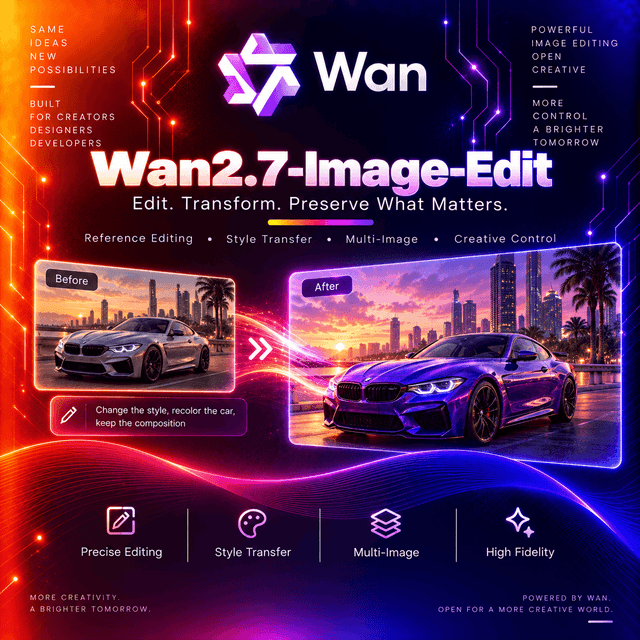
Wan 2.7 Image Edit takes coordinates. Instead of describing where to make a change and hoping the model finds it, you pass a bounding box in absolute pixels and the edit happens inside it — up to two regions per image, across as many as nine input images. That precision is what separates it from the generation before it, alongside a prompt limit raised to five thousand characters and a request format that accepts anywhere from zero images to nine, so text-to-image and multi-reference editing run through the same call. It also generates coherent image sets from one request, for storyboards and product series.

Wan 2.7 Image Edit
Edit an image by describing the change — or by naming the exact pixels it should happen in.
Coordinates, Not Masks
The capability that defines this generation, and it exists on no earlier Wan model.
bbox_list selects regions by absolute pixel coordinates. Format: [x1, y1, x2, y2] — top-left
and bottom-right corners, origin at the top-left of the image, x to the right, y down.
"parameters": {
  "bbox_list": [
    [[0, 0, 12, 12], [25, 25, 100, 100]],
    [],
    [[10, 10, 50, 50]]
  ]
}
Read that structure carefully. The outer list has one entry per input image, and its length must match the number of images you sent. Image one has two boxes, image two has none, image three has one.
Two boxes per image maximum.
Why coordinates beat a mask here. A mask is an image you have to produce — drawn by hand, or generated by a segmentation step that becomes its own dependency. A bounding box is four integers. You can compute them, store them, version them, and generate them programmatically.
The example above replaces three separately boxed berries with three different fruits in a single call, and the instruction explicitly asks for the reference boxes and numbers to be absent from the result.
Getting the Coordinates
Alibaba documents two approaches, and the second is the interesting one.
Draw them. A few lines of OpenCV opens the image, you drag a rectangle, and it returns the box. Fine for one-off work and for building a labelling tool.
Ask a vision model. Describe the target in natural language — "coffee cup", "the fruit in the centre of the plate", "lavender potted plant" — and have a vision-language model return the coordinates, which you then pass through.
That second pattern is worth noticing as an architecture rather than a trick: a vision model locates, an image model edits. Neither does the other's job, and the interface between them is four integers.
Zero to Nine Images
The input range widened substantially, and the lower bound is the surprising part.
| This generation | Previous | |
|---|---|---|
| Input images | 0 to 9 | 1 to 4 |
| File size | ≤ 20 MB | ≤ 10 MB |
| Aspect ratio | [1:8, 8:1] | Unlimited |
| Dimensions | [240, 8000] px | [240, 8000] px |
Zero images means text-to-image. The same model, the same endpoint, the same request shape — one mode determined by whether you attached anything.
Nine images is enough for a genuine composition: a subject, a garment, a setting, several props, and a style reference, all addressed in one prompt.
Images are numbered by array position. The first is "image 1", the second "image 2". Markers like
[image 1] work too. That ordering is the only way the model knows which is which, so it is worth
being deliberate about.
The Prompt Grew, the Negative Prompt Left
Two changes in opposite directions.
| This generation | Previous | |
|---|---|---|
| Prompt length | 5,000 characters | 2,000 |
| Negative prompt | Not supported | Supported, 500 characters |
| Prompt extension | Not supported | Supported |
Five thousand characters is a long brief — the documented examples run to full paragraphs per image in a set, with lighting, lens, colour grading, and props specified individually.
Negative prompting is gone. If your pipeline relies on excluding artefacts through a second field, that instruction has to move into the positive prompt on this model.
Prompt extension is gone too. The previous generation could expand a short prompt automatically; here what you write is what the model receives. That is a loss if you wrote terse prompts, and a gain if you wanted exact control — there is no rewriting layer between your words and the model.
Image Sets From One Call
A mode worth knowing about: generating multiple story-coherent images in a single request, with
count controlled by n.
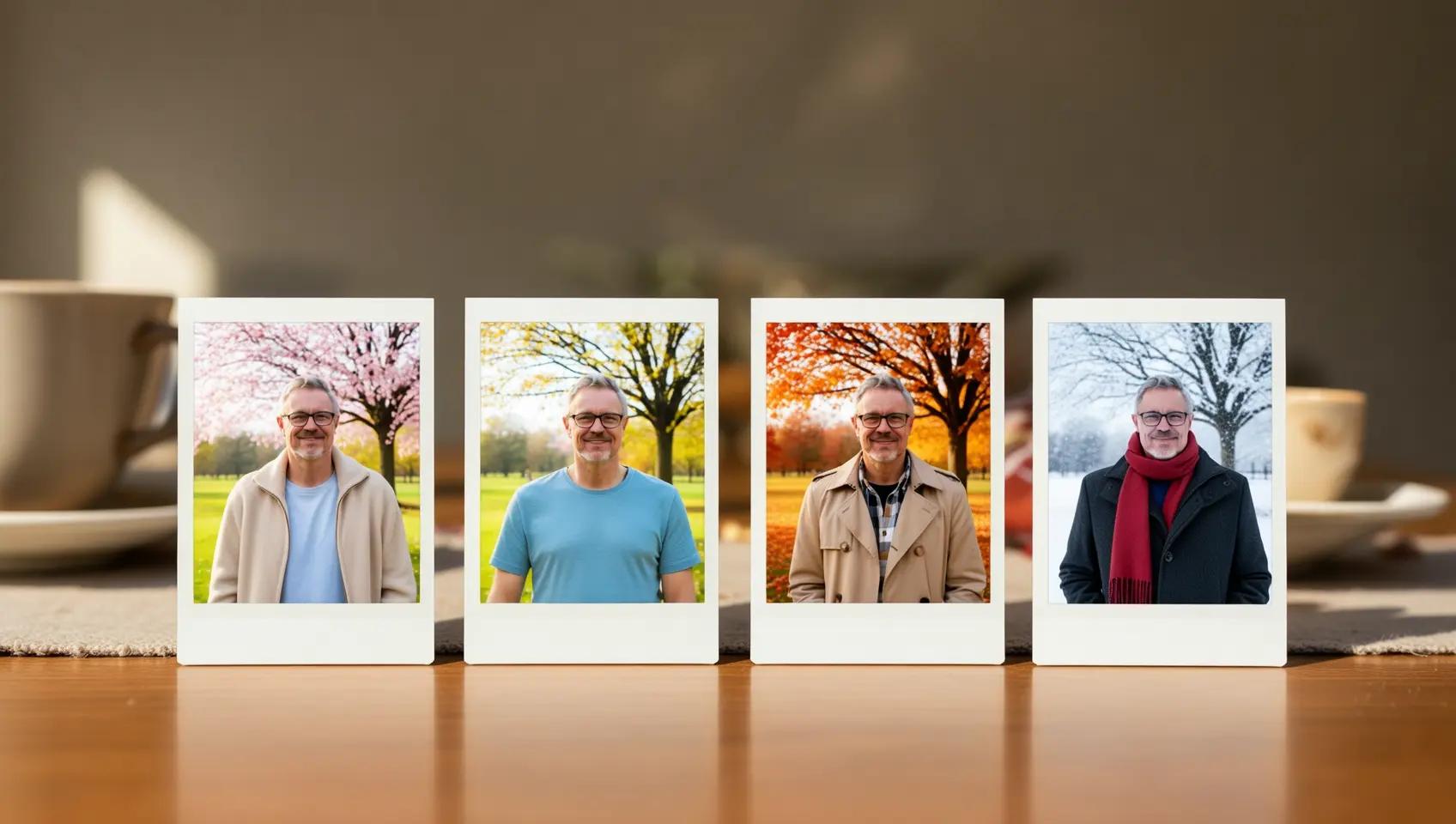
What it is for: comic storyboards, product series, campaign variants, and character sheets — anywhere a set needs to look like a set rather than a collection.
And it costs resolution. Image editing and multi-image generation cap at 2K. Only text-to-image with no image input and set generation disabled reaches higher on the pro tier.
Resolution
Two ways to specify it, and the first is recommended.
By tier. 1K or 2K (default). The output total pixel count approximates that target, and
the aspect ratio matches the last input image — which is a useful default, and a detail worth
knowing when you send several images of different shapes.
By explicit dimensions, as "width*height". Total pixels between 768×768 and 2048×2048, aspect
ratio within [1:8, 8:1].
Image editing and set generation are capped at 2K regardless of which method you use.
Specifications
| Model ID | Wan-AI/Wan2.7-Image-Edit |
| Task | Image editing, multi-reference composition, text to image |
| Input images | 0 to 9 |
| Image formats | JPEG, JPG, PNG (no alpha), BMP, WEBP |
| Image dimensions | 240 to 8000 pixels per side |
| File size | ≤ 20 MB per image |
| Input aspect ratio | 1:8 to 8:1 |
| Prompt | Up to 5,000 characters |
| Negative prompt | Not supported |
| Prompt extension | Not supported |
| Region editing | bbox_list — up to 2 boxes per image |
| Output resolution | 1K or 2K; explicit dimensions supported |
| Image sets | Supported |
| Watermark | Toggleable |
| Developer | Alibaba |
Capabilities
| Capability | Value |
|---|---|
input_types | image, text |
output_types | image |
max_input_images | 9 |
min_input_images | 0 — text-to-image mode |
max_prompt_characters | 5000 |
bbox_editing | Supported — 2 boxes per image |
image_sets | Supported |
negative_prompt | Not supported |
prompt_extension | Not supported |
max_resolution | 2048x2048 for editing |
endpoint | /v1/images/generations |
deterministic | No |
requires_prompt | Yes |
What It Does Beyond Editing
The documented capability set is wider than "change a thing in a picture."
Multi-image fusion — combining subjects from separate photographs into one scene.
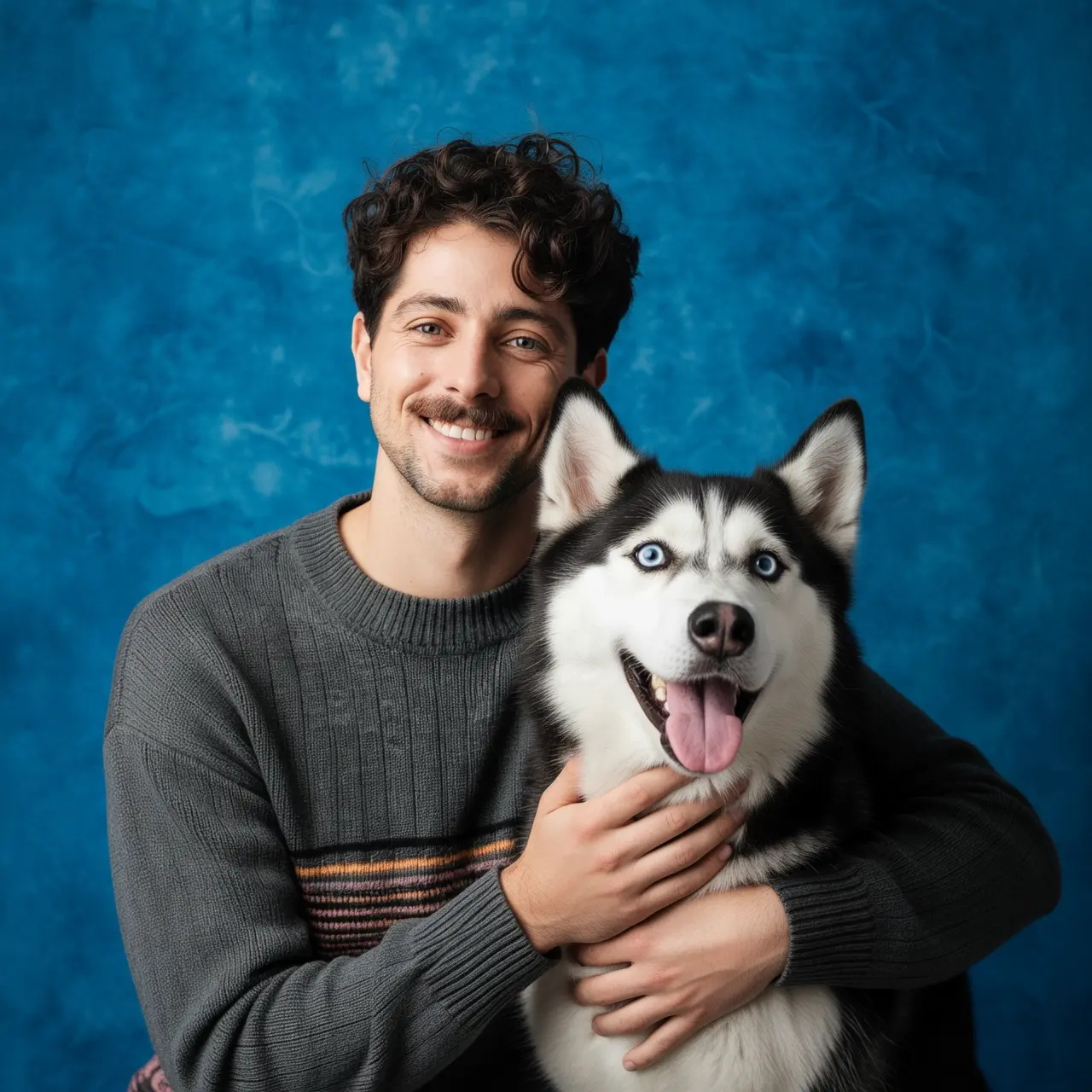
Subject preservation across variations — the same person, product, or character rendered in different settings, outfits, and seasons while remaining recognisably the same.
Detection and segmentation — drawing labelled bounding boxes around named objects, or segmenting one out. Uncommon in an image generation model, and useful as a step inside a larger pipeline.
Element extraction — pulling objects out of a photograph and laying them flat on a white background. The e-commerce use case is obvious.
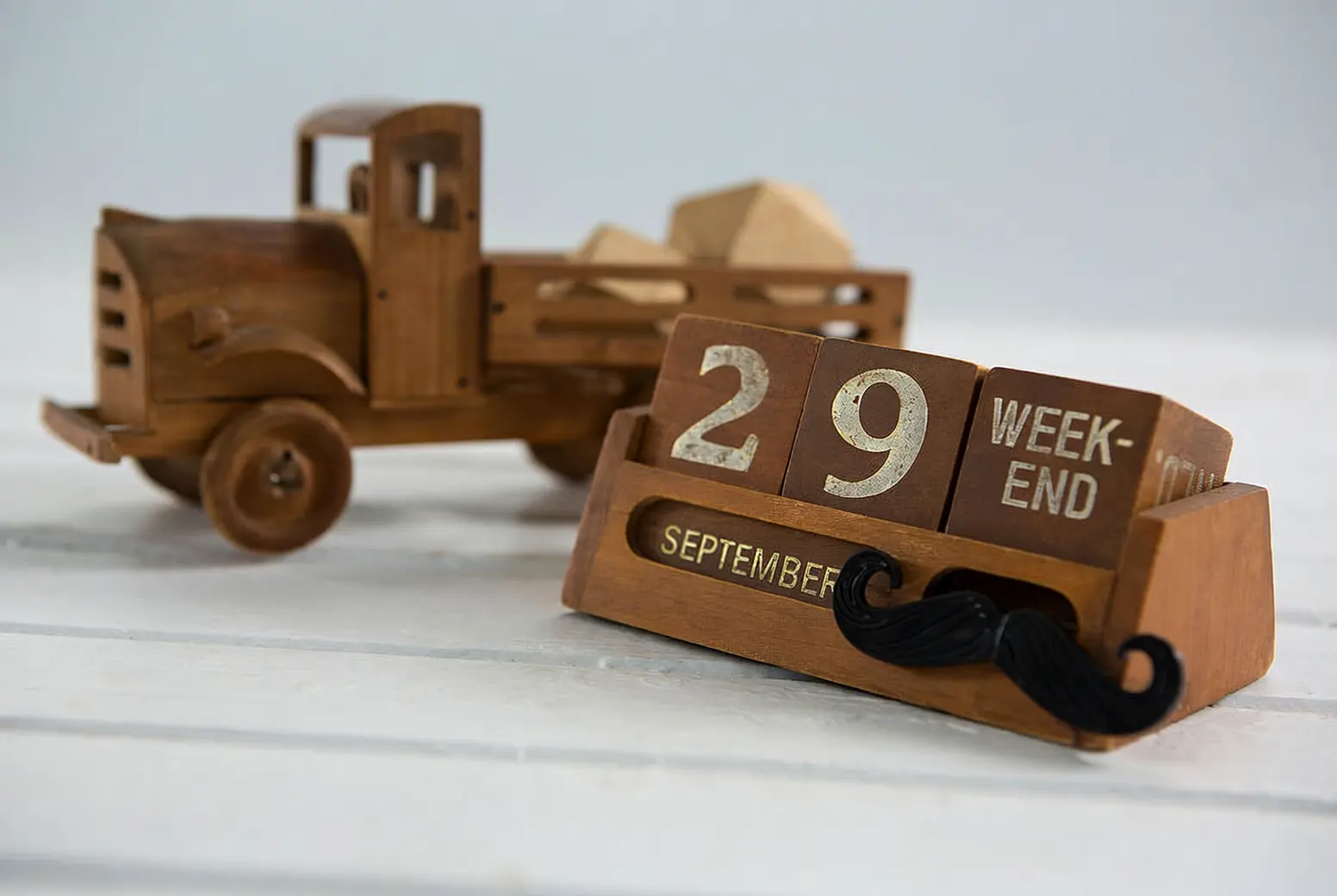
Text editing — removing watermarks, changing dates, writing new words into a scene.
Camera and perspective editing — generating front, side, and back views of a subject from one photograph, or re-shooting a scene with a different lens.
Using Wan 2.7 Image Edit on DEVUP AI
Endpoint: POST https://api.devupai.com/v1/images/generations
The response returns a signed URL in data[0].url alongside a _devup object carrying the request
cost and your remaining balance. The URL is valid for 300 seconds — fetch the bytes on arrival
rather than storing the link.
Python
import urllib.request
from openai import OpenAI

client = OpenAI(
    api_key="$DEVUP_API_KEY",
    base_url="https://api.devupai.com/v1",
)

response = client.images.generate(
    model="Wan-AI/Wan2.7-Image-Edit",
    prompt="A photo of an astronaut riding a horse on Mars.",
    size="1024x1024",
    n=1,
)

image_url = response.data[0].url
with urllib.request.urlopen(image_url) as res:
    image_bytes = res.read()

with open("output.png", "wb") as f:
    f.write(image_bytes)
Node.js
import DevupAI from "devupai";
import { writeFile } from "node:fs/promises";

const client = new DevupAI({
  apiKey: process.env.DEVUP_API_KEY,
});

const response = await client.images.generate({
  model: "Wan-AI/Wan2.7-Image-Edit",
  prompt: "A photo of an astronaut riding a horse on Mars.",
  size: "1024x1024",
  n: 1,
});

const image = await fetch(response.data[0].url);
await writeFile("output.png", Buffer.from(await image.arrayBuffer()));
cURL
curl -X POST "https://api.devupai.com/v1/images/generations" \
  -H "Authorization: Bearer $DEVUP_API_KEY" \
  -H "Content-Type: application/json" \
  -d '{
    "model": "Wan-AI/Wan2.7-Image-Edit",
    "prompt": "A photo of an astronaut riding a horse on Mars.",
    "size": "1024x1024",
    "n": 1
  }'
Writing for a Five-Thousand-Character Prompt
The documented examples are unusually instructive, because they show what a long brief actually looks like when a model can use it.
Structure a character description once and reuse it. Alibaba's photoshoot example opens with a fixed base description — age, hair, features, general demeanour — then varies only the styling, props, colour palette, and lighting across six different looks. The base text is identical every time.
Specify per-image rather than in general when generating a set. Their product example runs eight paragraphs, one per shot: a front-view hero, a 100mm macro of a material detail, an exploded view, a lifestyle shot with rim lighting, a top-down colourway flat lay. Each names its own lens, lighting, background, and purpose.
Include the photographic vocabulary. Focal length, lighting direction, colour grading, and composition all appear in the reference prompts and all affect the output.
Name what must not appear. With no negative prompt field, exclusions live in the positive prompt. The berry-replacement example does this explicitly: "without the reference boxes and numbers, and keep the rest of the content unchanged."
Region Editing in Practice
Three habits that make bbox_list work rather than fight you.
Match the list length to the image count. An empty list for images you are not editing is not optional — the structure is positional.
Combine coordinates with a prompt that references them. The box says where; the text still says what. "Place the alarm clock from image 1 into the bounding box of image 2, and blend the scene and lighting naturally" uses both.
Ask for a clean result explicitly. If your source image has visible selection marks or numbering, say they should not appear in the output — the model will otherwise treat them as content.
Practical Notes
Match bbox_list length to the number of input images, with empty lists for untouched ones.
Two boxes per image is the ceiling.
Number your images in the prompt — position in the array is the only identifier.
Move exclusions into the positive prompt. There is no negative prompt on this model.
Write the full brief. Nothing expands a short prompt here.
Expect 2K on any request with an image attached.
Aspect ratio follows the last input image when you use a resolution tier.
Fetch the image within five minutes of the response.
Where It Fits
Precise local editing — e-commerce retouching, design adjustments, replacing one element in a frame without touching the rest.
Multi-panel and series generation — storyboards, product ranges, campaign variants, character sheets.
Composition from many sources, with up to nine reference images in one request.
Pipelines with a vision model in front, where coordinates come from natural-language localisation rather than from a human dragging a rectangle.
Detection, segmentation, and extraction as steps inside a larger workflow.
Text and watermark editing, including changing words already in a photograph.
Not for reproducible output. The same request produces a different result each run.
Not for above 2K on anything with an image attached.
Limitations
No negative prompt. Exclusions must be expressed positively.
No prompt extension. A terse prompt stays terse.
2K ceiling on editing and set generation, regardless of how the size is specified.
Two bounding boxes per image, and the list structure must mirror your input array exactly.
PNG alpha channels are not supported. Transparency in a source image is not preserved.
Not deterministic. The same input produces a different output each run — save what you want to keep.
Aspect ratio follows the last input image when using a tier, which can surprise you on a multi-image request.
Signed URLs expire after 300 seconds.
Apply your own moderation. Filter source images and prompts on public paths, and review output before publishing — particularly for watermark removal and text editing, where the capability has obvious misuse.


